



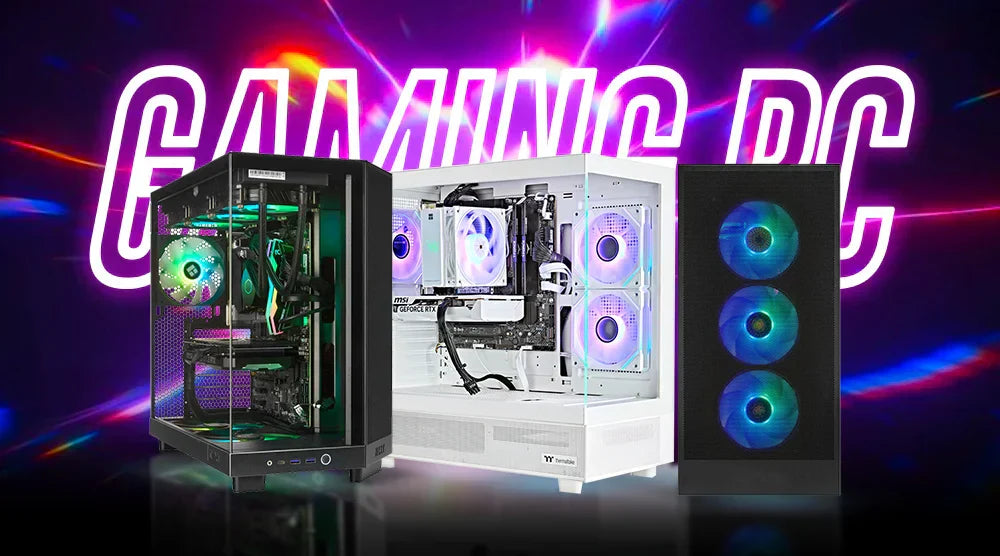
Gaming technology evolves rapidly. Innovative features appear in new graphics cards, processors double their core counts, storage standards change, and load times improve. Keeping up can feel like chasing a moving target for enthusiasts investing thousands in their systems.
Knowing which components matter most helps you avoid unnecessary expense and effort, whether you’re building your first custom PC or upgrading an existing setup.
This blog explains how to future-proof your gaming PC over the next five years, ensuring your investment delivers maximum performance and meets next-generation gaming demands.
What Is Future-Proofing a Gaming PC?
To make your gaming PC future-proof, you have to make informed choices in hardware and software that keep your system powerful and relevant as new technology emerges. Instead of chasing every new release, you are building on a foundation that will support future games, software updates, and hardware needs with almost no redoing.
This strategy strikes a balance between anticipation of future demands and present gaming requirements. While preserving headroom for developments like ray tracing enhancements, greater resolution gaming, and more complex multitasking needs, a well-organized system runs AAA titles of today very effectively.
The financial advantages are significant. Distributing updates over a number of years is far less expensive than totally replacing the entire system. You will also love consistent performance without the constant fear that your hardware will restrict the forthcoming big release.
How It Works
The basis of future-proofing your gaming PC is strategic hardware choice. Choosing components with contemporary connectivity standards, PCIe 5.0 slots, DDR5 memory support, and USB 4.0 ports guarantees compatibility with upcoming peripherals and extension cards. Though they seem excessive nowadays, as producers embrace them throughout the industry, they turn into requirements.
Expandability is also important. A motherboard with more M.2 slots lets storage increase without losing current discs. More RAM slots enable memory capacity increase without replacing modules. Case designs with great airflow fit more potent components, creating more heat load.
Software optimization dramatically increases hardware lifespan. Regular BIOS updates enable enhanced memory compatibility and more effective power management.
Who Needs to Future-Proof Their Gaming PC
Future-proofing benefits those who invest heavily in hardware the most. Spending $2,000 to $4,000 on a gaming PC makes it essential to ensure your system remains relevant for years rather than becoming quickly obsolete.
- Content Producers and Streamers: These users face demanding workloads, including video encoding, running multiple programs simultaneously, and maintaining high frame rates during live streams. Future-proofed PCs can handle these tasks smoothly without lag.
- Competitive Gamers: Consistent frame rates across games and upgrades depend on dependable hardware. System stability and longevity are crucial because performance declines during critical games are intolerable.
- Budget-Conscious Users: Those who favor gradual improvements over total system replacements will also benefit greatly from future-proofing. It is far less expensive to add RAM or upgrade a GPU incrementally than to completely redesign the computer.
Benefits of Future-Proofing Your Gaming PC
- Longer Hardware Life: High-quality components built to modern standards stay relevant for years, reducing the need for costly upgrades.
- Cost Efficiency: Although the initial investment may be higher, avoiding full system overhauls can save thousands over five years. Opting for strategic upgrades to individual components is much more budget-friendly than replacing the whole system.
- Consistent Gaming Performance: Hardware that exceeds current standards easily handles new releases. As games become more demanding, you can maximize settings while maintaining stable frame rates.
- Higher Resale Value: Well-maintained, modern systems with next-generation capabilities attract buyers willing to pay premium prices, helping recoup more of your original investment.
- Future Compatibility: Supporting emerging connection standards, storage technologies, and software features reduces worry about future upgrades, allowing adjustments instead of complete replacements.
Challenges of Future-Proofing
- High Initial Cost: Investing in high-end parts and cutting-edge technology is often necessary to build a gaming PC that is future-proof. This can be a substantial cost that not everyone can afford.
- Rapid Tech Evolution: Technology evolves quickly, and even high-end, top-tier hardware can become outdated faster than anticipated, making it challenging to stay ahead of the curve.
- Overkill Setups: There’s a risk of overspending on features or specifications that you may not fully utilize yet, resulting in wasted potential and money.
- Compatibility Risks: Early adoption of new standards, such as first-generation DDR5 or PCIe 5.0, can lead to stability issues or limited compatibility, meaning waiting for technology to mature can sometimes be a wiser approach.
Expert Tips to Future-Proof Your Gaming PC
- Choose a High-End CPU and Motherboard: Invest in processors with excellent single-core performance and motherboards that offer long-term upgrade paths. This ensures your system remains relevant for years.
- Choose a Strong GPU: If you currently game at 1440p, consider a GPU designed for 4K performance to provide headroom as visual requirements increase in future games.
- Choose DDR5 RAM: Verify that DDR5 is supported by your motherboard. Although DDR4 is still functional today, DDR5 is becoming more and more popular, and future CPUs will increasingly require it.
- Invest in a Quality PSU: Select a reliable 80+ Gold or Platinum-rated power supply with sufficient wattage overhead. With rising GPU power demands, 850W–1000W units are becoming more common.
- Prioritize Storage Speed: PCIe 4.0 NVMe SSDs are ideal for faster asset streaming and DirectStorage, reducing load times and improving overall game responsiveness.
- Plan for Improved Cooling: Robust air coolers or premium AIO liquid coolers manage the heat demands of high-performance components, preserving performance and prolonging hardware life.
- Pick an Expandable Case: Choose cases with radiator mounting options, good cable management, and several drive bays. Extra room allows for upgrades without replacing the case.
- Regular Servicing: To ensure everything runs smoothly and to get the best performance, it's important to keep your drivers and BIOS up to date. Manufacturers are always working on improving their software and firmware to keep up with the latest hardware advancements.
Wrap Up
Future-proofing your gaming PC is all about making smart, strategic choices today to ensure your system remains powerful, relevant, and capable of handling next-generation games for years to come.
By selecting the right CPU, GPU, RAM, storage, and cooling solutions, and prioritizing expandability and upgrades, you can enjoy consistent performance, cost efficiency, and long-term value without constantly chasing every new release.
Ready to build a PC that stands the test of time?
At TechWhiz Inc., we help you build a custom gaming PC future-proofed for the next 5 years, perfectly tailored to your performance goals and budget.
Don’t just play the game—stay ahead of it!
Frequently Asked Questions
How often should I upgrade my gaming PC to keep it future-proof?
Major GPU upgrades every 3–4 years, CPU every 4–5 years, with incremental RAM or storage updates as needed.
Is it worth buying next-gen components even if I don’t need them yet?
Absolutely, investing in standards like DDR5, PCIe 5.0, and reliable power supply units not only guarantees durability but also helps you avoid going overboard.
Can I future-proof a prebuilt gaming PC?
Absolutely, a lot of prebuilt PCs do let you upgrade things like memory, storage, and GPU. Just make sure to check the compatibility of the motherboard and PSU first!
What’s the most critical component for future-proofing?
The motherboard and power supply unit (PSU) play a crucial role in deciding how you can upgrade your system and what high-performance components you can use.
How much should I budget to future-proof my gaming PC?
$1,500–$2,500 for a solid build, or $2,500–$4,000 for a premium setup, focusing on GPU, CPU, and motherboard/PSU.


