



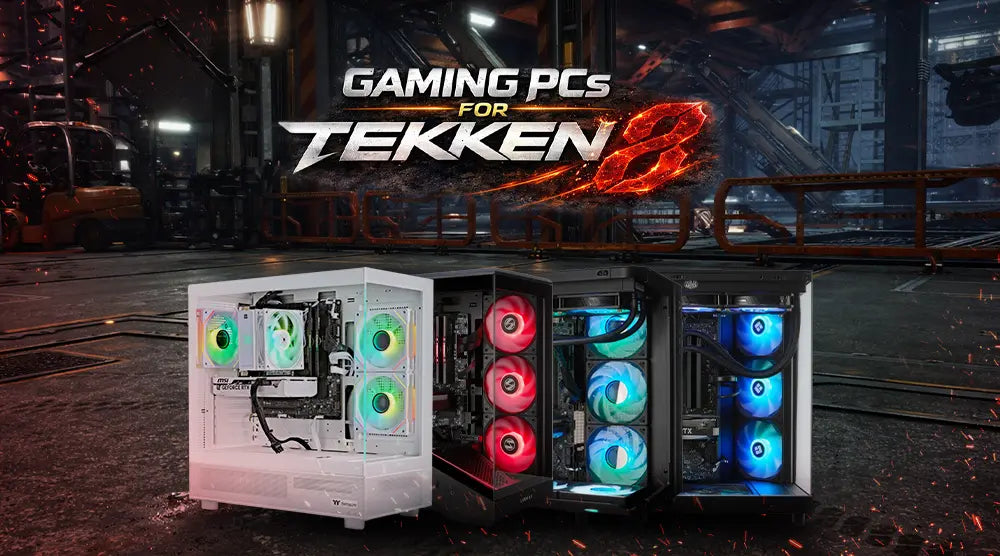
Tekken 8 is fast, technical, and highly competitive. Every frame matters in this game and can enhance your gaming experience. Even a small lag spike or dropped frame can cost you the match. That's why choosing the right high-performance gaming PC for Tekken 8 is essential.
For the right inputs, minimum shutters, and smooth combinations, you should choose the system that delivers consistent performance. Moreover, if your gaming PC is well-optimized, it ensures stable frame rates while gaming and reduces input lag. This gives you a competitive edge, especially in ranked matches where precision and timing decide the outcome.
In this guide, we will highlight the best gaming PCs for Tekken 8 available at TechWhiz Inc., designed to deliver high FPS and consistent gameplay.
We will also share the minimum and recommended specs, plus expert optimization tips to ensure smooth gameplay.
Whether you’re upgrading or starting fresh, it’s now easier than ever to buy gaming PCs for Tekken 8 online with confidence and convenience.
What Makes a High-Performance Gaming PC Ideal for Tekken 8
For Tekken 8, a high-end gaming PC is ideal to provide the best possible FPS, the least amount of input lag, and the most fluid and consistent gameplay, all of which are essential for competitive fighting games.
Minimum and Recommended Specs for Tekken 8
To run Tekken 8 efficiently, your system should meet at least these specs:
Minimum Specs
- CPU: AMD Ryzen 5 1600 or Intel Core i5-6600K
- GPU: AMD RX 570 or NVIDIA GTX 1050 Ti
- RAM: 8GB
- Storage: 100GB
- OS: Windows 10 (64-bit)
Recommended Specs
- CPU: AMD Ryzen 5 3600 or Intel Core i7-8700K
- GPU: AMD RX 6600 XT or NVIDIA RTX 2060
- RAM: 16GB
- Storage: 100 GB NVMe or SSD
- OS: Windows 11 (64-bit)
Criteria for Selection
Choose based on:
- Consistent Performance – Stable FPS at high settings.
- Performance-to-Price Ratio – Maximum value for your investment.
- Build Reliability and Cooling – Long-lasting components with efficient thermal management.
- Easy Purchase and Upgrades – Systems designed for hassle-free buying and future upgrades.
Best Gaming PCs for Tekken 8: Top 4 Picks
1. TechWhiz NightShade Gaming PC – Ryzen 7 7800X3D (No GPU)
Key Specs:
- CPU: AMD Ryzen 7 7800X3D
- GPU: Excluded
- RAM: 32GB DDR5
- Storage: 2TB NVMe SSD
- OS: Windows 11 Pro
Price: $1,899 CAD
Best Use Case: This PC offers maximum flexibility for gamers who want to pair it with their choice of GPU.
2. TechWhiz NightShade Gaming PC – Ryzen 7 9700X + RTX 5070
Key Specs:
- CPU: AMD Ryzen 7 9700X
- GPU: RTX 5070
- RAM: 32GB DDR5
- Storage: 1TB NVMe SSD
- OS: Windows 11 Pro
Price: $2,999 CAD
Best Use Case: Because of its excellent balance between cost and performance, this PC is ideal for high frame rates at 1440p.
3. TechWhiz NightShade Gaming PC – Intel Core i7-14700KF + RTX 5070
Key Specs:
- CPU: Intel Core i7-14700KF
- GPU: RTX 5070
- RAM: 64GB DDR5
- Storage: 2TB SSD
- OS: Windows 11 Pro
Price: $3,599 CAD
Best Use Case: Ideal for gamers who want high performance for gaming, multitasking, streaming, and other demanding applications.
4. TechWhiz Arc Gaming PC – Ryzen 7 9850X3D + RTX 5080
Key Specs:
- CPU: AMD Ryzen 7 9850X3D
- GPU: RTX 5080
- RAM: 32GB DDR5
- Storage: 2TB NVMe SSD
- OS: Windows 11 Pro
Price: $4,899 CAD
Best Use Case: Ideal for 4K gaming and demanding settings, this high-end system delivers strong FPS and smooth, responsive gameplay.
*Prices are subject to change. Please check the product page for the latest price before purchasing.
How to Optimize Your Gaming PC for Tekken 8
|
Optimization |
Tips |
|
Graphic Options |
Lower shadows and reflections, enable performance mode, and, if available, turn on DLSS or FSR to boost FPS and maintain smooth gameplay. |
|
Drivers |
For performance boosts, keep GPU drivers up to date. |
|
Peripherals |
Use high-refresh monitors (144Hz/240Hz), a sensitive joystick or mechanical keyboard, and a low-latency gaming mouse. |
|
Optional Overclocking |
Mild CPU or GPU overclocking can provide a modest FPS boost, but ensure your system has adequate cooling and stable power delivery before overclocking. |
Why Buying Gaming PCs Online from TechWhiz Inc. Makes a Difference
|
Advantage |
Description |
|
Reliable Hardware |
Each PC is examined for performance and stability with dependable hardware. |
|
Expert-tested Configurations |
Expert-tested setups ideal for current games like Tekken 8. |
|
Upgrade Paths |
Easy to swap GPUs, RAM, or storage. |
|
Secure Shipping |
Offers secure shipping across Canada. |
For gamers looking to buy Tekken 8 gaming PCs online, TechWhiz Inc. offers curated options that eliminate guesswork and ensure compatibility.
Wrap Up
Choosing the right gaming PC for Tekken 8 can significantly improve your overall gaming experience. A powerful CPU, a capable GPU, enough RAM, and a fast SSD can deliver stable performance, smooth gameplay, and responsive controls.
With the right setup and proper optimization, you can enjoy Tekken 8 with fewer frame drops and smoother fights.
Whether you need a flexible build, a balanced 1440p system, or a high-end PC for 4K gaming, TechWhiz Inc. offers gaming PCs to suit a range of performance needs and budgets.
Ready to dominate Tekken 8 with maximum FPS and lag-free matches?
Explore TechWhiz Inc.’s prebuilt gaming PCs today and find the perfect system for your competitive gaming needs.
People Also Ask
For Tekken 8, are prebuilt computers better than custom-built ones?
Prebuilt gaming PCs offer convenience, tested component compatibility, and a faster setup, making them a practical option for many Tekken 8 players.
Custom-built PCs provide greater flexibility to choose individual components and tailor performance to your budget, but they require more technical knowledge and hands-on setup.
Both can deliver excellent Tekken 8 performance when configured with suitable hardware.
Can mid-range PCs handle Tekken 8 effectively?
Yes, a well-configured mid-range gaming PC can handle Tekken 8 effectively and deliver smooth, consistent gameplay.
A capable GPU, such as the RTX 4070, paired with a suitable CPU and at least 16GB of RAM, can deliver strong performance at 1080p and 1440p, depending on settings and overall system configuration.
For Tekken 8, how much RAM do I actually need?
16GB of RAM is generally sufficient for smooth Tekken 8 gameplay and basic multitasking. However, 32GB is a good choice if you plan to multitask while gaming or want more headroom for future games and applications.


