



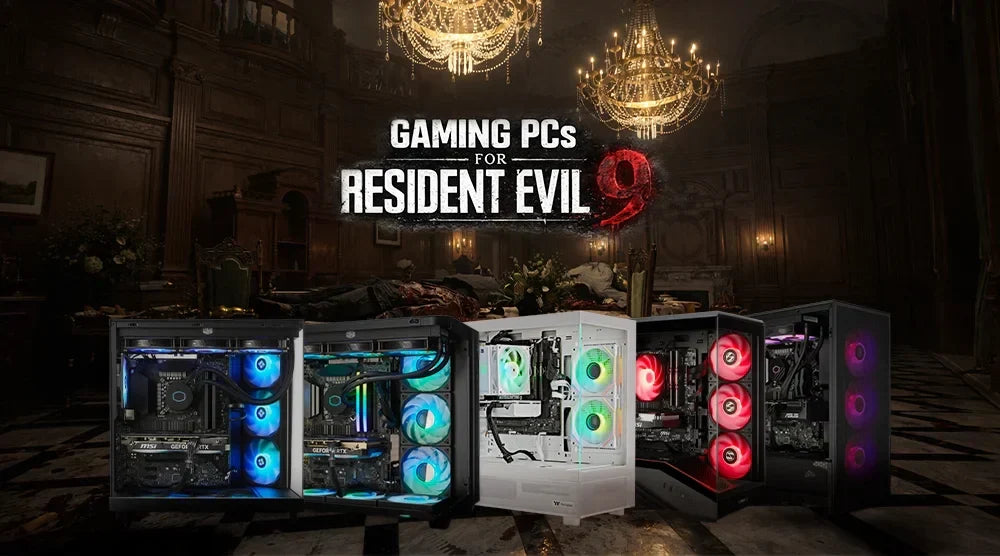
Resident Evil 9 is no exception to the fact that AAA games are pushing the boundaries of hardware in 2026 more than ever before. This next-generation title requires significant computing power due to its sophisticated ray tracing, AI-driven environments, and ultra-realistic textures. If you use cheap or outdated hardware, you will get lag, stuttering, and poor graphics.
Choosing the right gaming PC for Resident Evil 9 is essential for smooth gameplay, fast load times, and immersive graphics. Whether you're exploring eerie environments or surviving intense combat scenarios, your system plays a crucial role in your overall experience.
In this guide, we’ll cover the system requirements for Resident Evil 9, highlight the top 5 gaming PCs for Resident Evil 9 available at TechWhiz Inc. for smooth performance, and share smart buying and optimization tips to help you get the most out of your gameplay.
Understanding Resident Evil 9 System Requirements
|
Components |
Minimum Requirements |
Recommended Requirements |
Ideal (Ultra / 4K) Requirements |
|
CPU |
Intel Core i5-8500 / AMD Ryzen 5 3500 |
Intel Core i7-8700 / AMD Ryzen 5 5500 |
Ryzen 9 / Intel i9 (latest gen) |
|
GPU |
GeForce GTX 1660 6GB / Radeon RX 5500 XT 8GB |
GeForce RTX 2060 Super 8GB / Radeon RX 6600 8GB |
RTX 5080 / RX 8900 XT |
|
RAM |
16GB |
16GB |
32GB–64GB |
|
Storage |
512GB SSD |
1TB NVMe SSD |
2TB NVMe SSD |
|
OS |
Windows 10/11 (64-bit) |
Windows 11 |
Windows 11 |
|
Resolution Target |
1080p |
1440p |
4K |
|
Graphics Settings |
Low-Medium |
High |
Ultra + Ray Tracing |
|
FPS Target |
40-60 FPS |
60–120 FPS |
120+ FPS |
When equipped with the appropriate gear, you may fully unleash the power of Resident Evil 9, which offers a genuinely next-gen survival horror experience from beginning to end with engaging graphics and consistent FPS.
Best Gaming PCs for Resident Evil 9: Top 5 Picks
1. TechWhiz NightShade Gaming PC - Ryzen 7 9700X + RTX 5070
Key Specs:
- CPU: AMD Ryzen 7 9700X
- GPU: RTX 5070
- RAM: 32GB DDR5
- Storage: 1TB SSD
- OS: Windows 11 Pro
Price: $2,999 CAD
Best for: Smooth 1440p gaming at high settings with consistent FPS.
2. TechWhiz Night Shade Gaming PC - Ryzen 7 5700 + RTX 5060 Ti
Key Specs:
- CPU: Ryzen 7 5700
- GPU: RTX 5060 Ti
- RAM: 32GB DDR4
- Storage: 1TB SSD
- OS: Windows 11 Pro
Price: $1,999.99 CAD
Perfect for: Budget-conscious gamers who want reliable performance without spending more than necessary.
3. TechWhiz Vortex Gaming PC - Ryzen 7 9800X3D + RTX 5070 Ti
Key Specs:
- CPU: Ryzen 7 9800X3D
- GPU: RTX 5070 Ti
- RAM: 32GB DDR5
- Storage: 2TB NVMe SSD
- OS: Windows 11 Pro
Price: $3,899 CAD
Ideal for: Serious gamers who want high settings, smooth gameplay, and consistently strong performance.
4. TechWhiz Edge Gaming PC - Intel Core i9-14900KF + RTX 5070 Ti
Key Specs:
- CPU: Intel Core i9-14900KF
- GPU: RTX 5070 Ti
- RAM: 32GB DDR5
- Storage: 2TB SSD
- OS: Windows 11 Pro
Price: $3,999 CAD
Best for: Streamers and multitaskers who need reliable performance while gaming and running multiple applications.
5. TechWhiz Edge Gaming PC - Intel Core Ultra 9 285K + RTX 5080
Key Specs:
- CPU: Intel Core Ultra 9 285K
- GPU: RTX 5080
- RAM: 32GB DDR5
- Storage: 2TB SSD
- OS: Windows 11 Pro
Price: $4,999 CAD
Best for: 4K gaming with advanced ray tracing and ultra-high visual fidelity.
*Prices are subject to change. Please check the product page for the latest price before purchasing.
How to Choose the Perfect Gaming PC for Resident Evil 9
The choice of the appropriate system is dependent on your budget and performance requirements.
Key Factors to Consider
CPU-GPU Balance
- By striking the proper balance between your CPU and GPU, you can avoid bottlenecks and make sure that both components are working together effectively.
RAM and Storage
- 32GB RAM is ideal.
- Consider SSD for fast load times.
Budget Planning
- Select a gaming PC, from entry-level models to high-end ones, that satisfies your performance requirements and fits your budget.
Where to Buy
- When buying a gaming PC online for Resident Evil 9, ensure you buy from verified sellers, check warranty and return policies, and compare builds and reviews on trusted sites like PCPartPicker.
Benchmark Checking
Look for:
- Similar game benchmarks on FPS.
- Thermal performance.
- Real-world gameplay tests.
Optimize Your Gaming PC for Maximum Performance
Even the most powerful hardware performs best when properly optimized for smooth gameplay and maximum efficiency.
In-Game Settings
- Better performance is achieved with DLSS or FSR.
- Ray tracing should only be enabled when your graphics card supports it without any problem.
- Tweak shadows and reflections to gain FPS.
System Optimization
- Keep GPU drivers updated.
- Close background apps.
- Enable performance mode in Windows.
Cooling Tips
- Ensure proper airflow.
- Use quality thermal paste.
- Consider Liquid cooling at high-end builds.
Advanced Tweaks
- Mild overclocking can improve performance.
- Reserve 4K resolution for high-end gaming systems to ensure smooth performance.
Wrap Up
Choosing the right gaming PC can make all the difference in experiencing Resident Evil 9 at its best. From budget-friendly builds to high-end 4K systems with ray tracing, the PCs listed above cater to every type of gamer, ensuring smooth performance, stunning visuals, and reliable frame rates.
For those looking to invest in a gaming system that delivers next-gen gameplay without compromise, TechWhiz Inc. offers expertly designed high-performing gaming PCs optimized for Resident Evil 9.
Explore our lineup today and elevate your gaming experience to new heights.
FAQs
Are prebuilt PCs capable of running Resident Evil 9 at 4K and with ray tracing?
Yes, prebuilt PCs with RTX 5080 can run Resident Evil 9 at 4K with ray tracing without any issues.
What is the recommended amount of RAM required by Resident Evil 9?
For a seamless experience, the game needs 16GB of RAM, but 32GB is recommended for future-proofing.
Should I choose a prebuilt or custom PC for Resident Evil 9?
A prebuilt gaming PC is a convenient choice for Resident Evil 9 because the components are selected for compatibility, tested before delivery, and typically covered by a warranty.
Custom-built PCs can also offer excellent performance and greater flexibility, but they require more technical knowledge to select compatible components, assemble the system, and troubleshoot potential issues.
What cooling solutions are recommended for long gaming sessions?
Mid-range systems can use quality air cooling, while high-end systems perform best with liquid cooling to maintain stable temperatures during extended play.
Can I upgrade my gaming PC in the future?
Yes, most gaming PCs can be upgraded to include more RAM, additional storage, or a more powerful GPU, keeping your system capable of handling future games.


